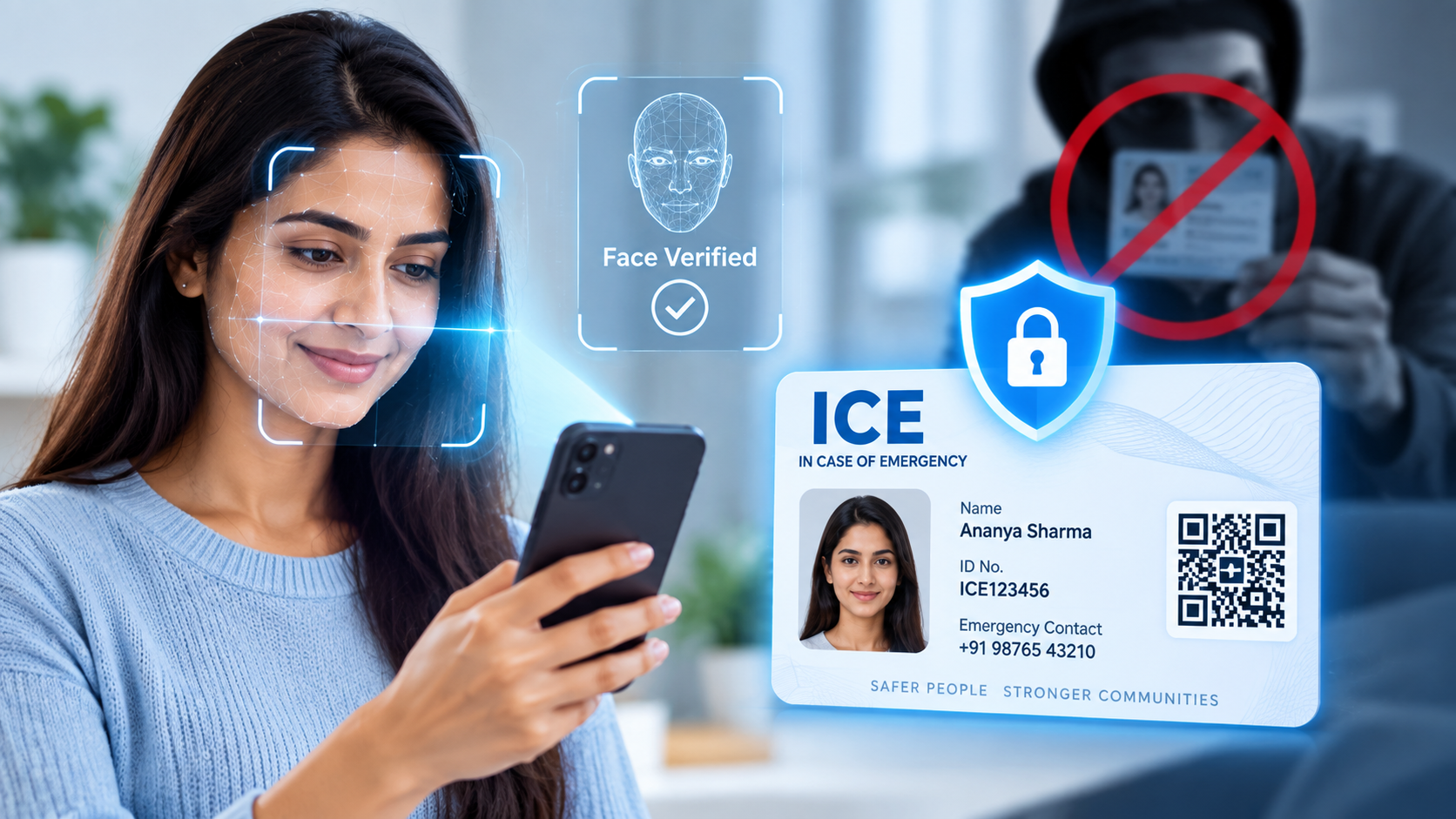
An emergency profile is only as useful as it is trustworthy. If anyone could create a profile in someone else’s name, or fake their way into an account that isn’t theirs, the whole system would collapse the moment it mattered most. That’s the exact problem face verification is built to solve, and it’s worth understanding what’s actually happening behind that quick scan on your screen.
Most people have used face unlock on a phone and assume all face-based security works the same way — point the camera at your face, get a green checkmark, move on. What ICE Card does during onboarding is meaningfully different, and the difference is the whole point.
The Problem With a Simple Photo Match
A basic photo-matching system compares one image to another and looks for similarity. It’s fast, but it’s also easy to trick. A printed photo, a photo of a photo, or even a short video played on another screen can fool a system that’s only checking whether two images look alike. For something as sensitive as an emergency identity profile — one that a responder or family member will trust in a real crisis — that level of security simply isn’t enough.
What Liveness Detection Actually Checks
ICE Card uses liveness detection, which is a fundamentally different question: not “does this face match a photo,” but “is there a real, present human being in front of this camera right now.” During setup, you’re guided through small natural movements — turning your head slightly, blinking, adjusting your position — and the system watches how your face responds in real time. A flat image or a recorded video can’t replicate that kind of live, responsive movement convincingly, which is exactly why this method is so much harder to spoof.
This isn’t about making the process complicated. It usually takes less than ten seconds, and most people barely notice they’ve done anything more than glance at their phone. The complexity happens on the technical side, not in what you experience.
Why This Matters More for an Emergency App Than Almost Anywhere Else
Think about what an ICE Card profile actually contains: blood group, allergies, chronic conditions, emergency contacts, sometimes even details about children or elderly family members. If someone could fake their way into creating a fraudulent profile — using someone else’s name and photo, for instance — it wouldn’t just be a privacy problem. It would put a real person’s safety at risk, because a responder might trust information that was never actually verified as belonging to them.
Liveness-verified identity means that when a responder scans your QR code or looks at your profile, they’re not looking at data that anyone could have typed in. They’re looking at information tied to a person who was physically present and verifiably real at the moment the profile was created.
In plain terms: a photo proves what someone looks like. Liveness detection proves someone was actually there. That distinction is the entire reason this technology exists, and it’s the difference between a profile you can casually fake and one a stranger can genuinely trust in an emergency.
Common Questions People Have Before Their First Scan
A lot of hesitation around face verification comes from not knowing what to expect, so it’s worth addressing the questions that come up most. Does it work with glasses on? In most cases, yes — the system is designed to tolerate normal everyday variation like glasses, minor lighting changes, or a slightly different angle, since real people rarely present themselves in perfectly identical conditions every time. Does poor lighting cause failures? It can slow things down, since the system needs a clear enough view to assess movement accurately, but stepping toward a window or turning on a light usually resolves it in seconds. Will it work again if I change my hairstyle or grow a beard? Gradual, natural changes to appearance are exactly what liveness-based systems are built to accommodate, since they’re evaluating real-time behavior rather than pixel-for-pixel similarity to a single stored image.
The other question worth asking is what happens if verification fails the first time. It isn’t a lockout — it’s simply a prompt to try again with better lighting or a clearer angle. The system is intentionally cautious rather than lenient, because the entire value of this feature disappears the moment it starts letting weak matches through just to be more convenient.
What Happens to Your Face Data After Verification
A common and completely fair question is what happens to that scan afterward. The verification step exists to confirm identity at the moment of setup — it is not designed to build a surveillance profile or to be shared with third parties. Face data collected during verification is encrypted, and access to it is restricted to what’s needed to keep your account secure. You’re never asked to re-verify constantly, and the goal is to authenticate once, thoroughly, rather than to track continuously.
What This Means for You, Practically
When you set up your ICE Card, take the liveness check seriously rather than rushing through it — good lighting, a clear view of your face, and following the on-screen prompts genuinely improves both the speed and accuracy of verification. This isn’t a hurdle standing between you and your profile; it’s the exact feature that makes your profile something a stranger can trust without hesitation, at the one moment when hesitation is the last thing anyone can afford.
Security that people can’t feel is usually the best kind. You shouldn’t have to think about liveness detection, spoofing resistance, or encrypted verification while you’re setting up your profile — you should just notice that it takes ten seconds and then get on with your day. But it’s worth knowing, at least once, that those ten seconds are doing real, meaningful work in the background.