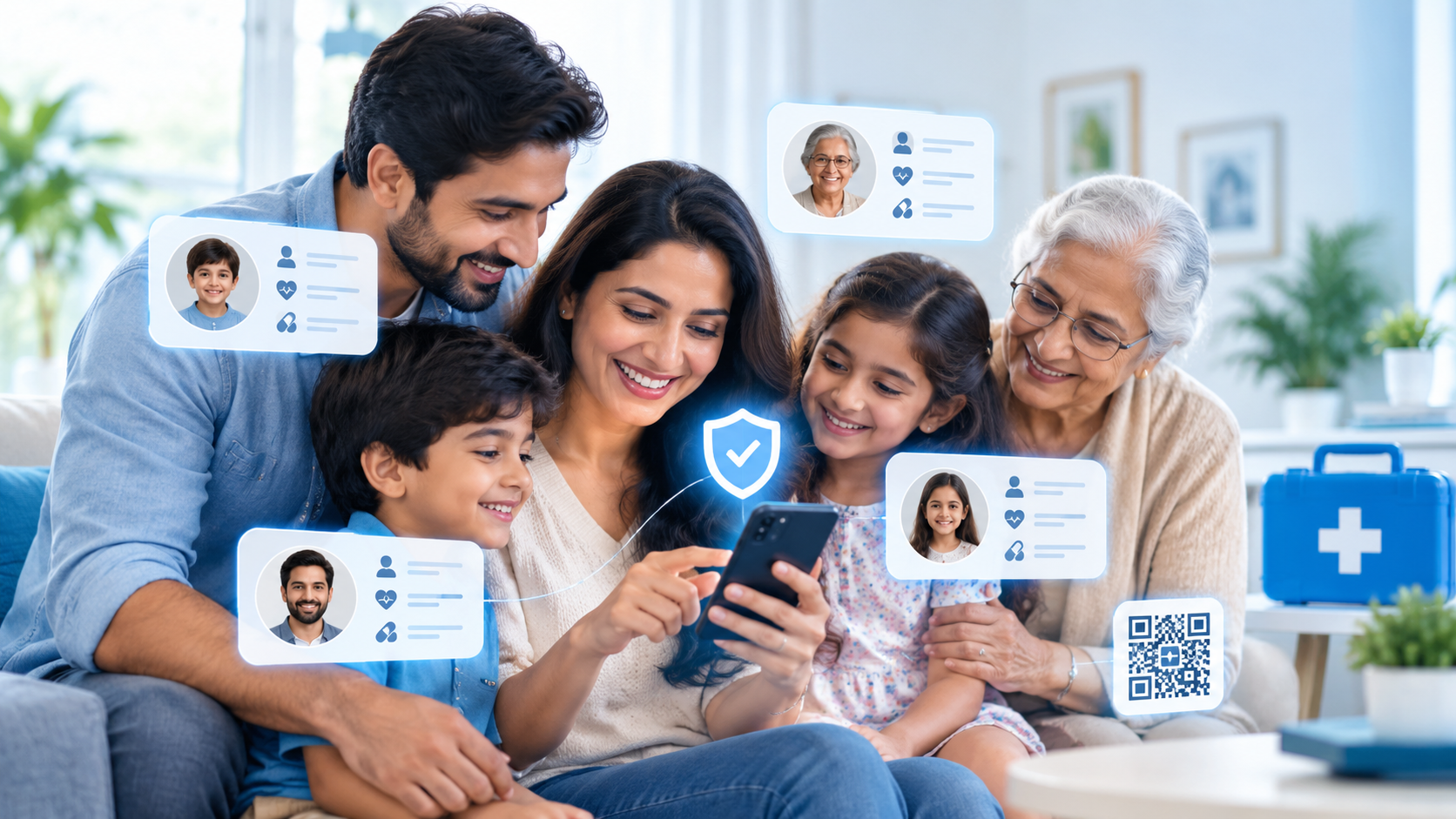
Most parents think about emergency preparedness in terms of themselves — their own ID, their own medical history, their own phone. But the people most likely to need someone else to speak for them in a crisis are usually the two ends of the family: young children who can’t explain their own medical history, and elderly parents who may be unable to communicate clearly in the moment it matters. Family profiles exist to cover exactly that gap.
Setting one up takes a few minutes, but doing it properly — with the right details, for the right people — makes the difference between a profile that’s genuinely useful and one that just exists. Here’s how to think it through.
Step 1: Decide Who Actually Needs a Profile
Start with anyone in your household who can’t reliably advocate for themselves in an emergency. That almost always includes young children, but it should also include elderly parents or grandparents, anyone with a cognitive condition, and anyone with a medical history complex enough that they might not be able to recite it clearly under stress. If you’re ever unsure whether someone needs one, the honest test is simple: could this person, right now, tell a paramedic everything that paramedic would need to know? If the answer is no, they belong on your family list.
Step 2: Add the Basics First
For each family member, start with the essentials — full name, date of birth, blood group, and a clear recent photo. For children especially, update the photo periodically; a toddler’s photo from a year ago is far less useful to someone trying to identify them today. Date of birth matters more than people expect too, since medication dosages and treatment decisions can depend heavily on a person’s age, particularly for children.
Step 3: Go Deeper on Medical History
This is where family profiles earn their keep. For children, note any allergies (especially food and medication allergies), any chronic conditions like asthma, and any developmental or communication considerations a responder should know about before trying to talk to them directly. For elderly parents, this section should cover chronic conditions, current medications, known drug interactions, and anything related to memory or cognition that might affect how they respond to questions in an emergency.
- Children: allergies, asthma or other chronic conditions, vaccination status if relevant, and school or caregiver contact details.
- Elderly parents: current medications, chronic conditions, mobility considerations, and any cognitive conditions that affect communication.
- Everyone: blood group, known allergies, and at least one emergency contact who isn’t the person themselves.
Step 4: Set the Right Emergency Contacts for Each Person
It’s tempting to just list yourself as the contact for every family member, but think about realistic scenarios. If something happens to your child while you’re also involved in the same incident, who’s the next call? If your elderly parent has a fall while you’re at work, is there a neighbor or relative closer by who should be contacted first? List contacts in the order you’d actually want them called, and make sure every listed contact knows they’re on the list.
Step 5: Keep Photos and Details Verified and Current
A family profile is not a one-time task. Children’s photos, medications, and even allergies can change within a year. Set a reminder — every six months is a reasonable rhythm — to open each family member’s profile and check that nothing has quietly gone out of date. For anyone whose profile requires an identity check, make sure that verification step is completed properly rather than skipped, since a verified profile is what allows a responder to actually trust the information they’re looking at.
A useful habit: whenever you update a child’s vaccination record or your parent’s prescription, add thirty seconds to also update their ICE Card profile. Tying it to an existing routine is the easiest way to keep family profiles from quietly going stale.
What If a Family Member Doesn’t Want to Be Scanned?
It’s common for elderly parents in particular to feel uneasy about a face scan, sometimes out of unfamiliarity with the technology and sometimes out of a general reluctance to have their photo taken and stored anywhere. Don’t force the step — instead, walk them through exactly what it is and isn’t. It isn’t facial recognition running in the background of their life; it’s a one-time check, done once, that exists purely so a stranger can trust that the emergency information belongs to them. Framing it around a real scenario — “if you ever fell and I wasn’t there, this is how someone would know what medication you’re on” — tends to land better than explaining the technology itself. If someone genuinely isn’t ready, it’s fine to start with just the basic information and revisit verification later; a partially complete profile is still far better than none at all.
Coordinating With Other Caregivers
If your child spends time with a co-parent, grandparent, or regular babysitter, or if your elderly parent has a caregiver or home nurse, make sure at least one other adult in that circle knows the family profile exists and roughly what it contains. A profile is only as useful as the number of people who know to reach for it, and in households where care is shared across multiple adults, that awareness shouldn’t rest on just one person’s shoulders.
Step 6: Talk to the People Old Enough to Understand
If you have older children or a parent who is fully capable of understanding the concept, involve them in the process rather than doing it entirely on their behalf. Show them how the QR code works, explain why it exists, and reassure them it’s there to help, not something to worry about. Family members who understand their own profile tend to keep it updated more consistently, and it removes any confusion if they’re ever asked about it directly.
Building out family profiles isn’t about assuming the worst is going to happen. It’s about making sure that if it ever does, nobody in your family has to depend on being conscious, calm, and articulate to get the right help. A few minutes now, for the people who can’t do this for themselves, is one of the more genuinely useful things you can do this week.