
ICEcard gives you control over your personal information. This page explains how to delete your account in the app, how to exercise other privacy choices, and where to find our full Privacy Policy.
You can permanently delete your ICEcard account directly from the mobile app. You do not need to email us to start the deletion process if you can sign in to your account.
Open the ICEcard app and sign in.
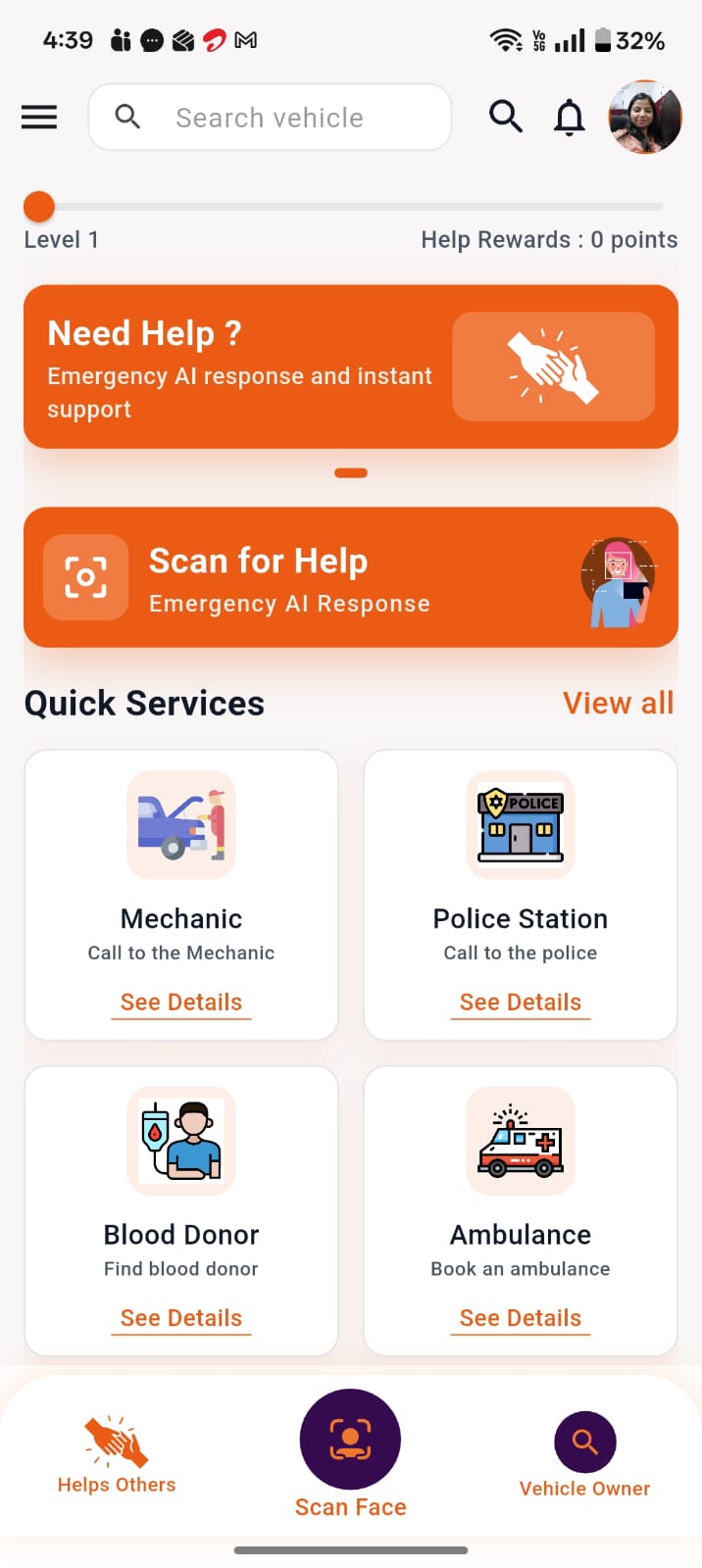
Go to Profile using the profile icon from the home screen.
Open the General tab.
Scroll down to Delete Account.
Read the information displayed, then continue and confirm the deletion.
Your account access is permanently removed, and you will no longer be able to sign in using that account.
We process deletion of your account and associated personal data held in our systems in accordance with our Privacy Policy and applicable law.
Certain information may be retained where required by law or where retention is necessary for security, fraud prevention, dispute resolution, or other lawful purposes, as described in our Privacy Policy.
Account deletion cannot be undone through the app after it has been completed.
If you have an active subscription, cancel or manage your billing through the Apple App Store or Google Play, as applicable. Deleting your ICEcard account does not automatically cancel store subscriptions.
If you cannot sign in to the ICEcard app or cannot use the in-app deletion option, you may request account deletion by contacting us.
We may need to verify your identity before processing your request.
Email: espace@icecard.in
Suggested subject: ICEcard — Account Deletion Request
Please include:
The mobile number or email address associated with your ICEcard account.
A clear statement requesting deletion of your account and personal data.
Any information reasonably required to verify that you are the account holder.
We will respond within a reasonable time as required by applicable law.
Depending on how you use ICEcard, you may also have the following privacy controls available:
You can edit your profile and emergency information through the Profile section and related tabs in the ICEcard app.
You can grant, deny, or change location access through your device settings.
Please note that some ICEcard features, including Need Help and live location sharing, may not work properly if location permission is disabled.
You can stop live location sharing at any time through the ICEcard app when the feature is active.
You can manage your emergency contacts and control information shared through your profile and QR settings within the ICEcard app.
You may use any unsubscribe or communication preference options provided in messages we send. You may also contact us at espace@icecard.in regarding communication preferences.
For more information about how ICEcard collects, uses, shares, and retains information, and about your privacy rights, please review our related policies:
Privacy Policy: https://icecard.in/privacy-policy/
Terms and Conditions: https://icecard.in/terms-and-conditions/
End User License Agreement (EULA): https://icecard.in/eula/
Emergency & Location Services: https://icecard.in/emergency-location-services/
ICEcard / eSpace AI Tech Pvt Ltd.
Email: espace@icecard.in
Phone: +91 7599155310
Address: Greater Noida, U.P. – 201310, India
Last Updated: 24 September 2026
Create your digital Health & Emergency identity and add your ICE contacts in a few minutes.


The ICEcard app supports, and does not replace, 112, ambulance, police, fire services, doctors, hospitals or clinical judgement. In an emergency, call 112.
Share your photo with us and get a chance to be the face of ICEcard! Your photo could be featured on our social media platforms and proudly displayed on our website, inspiring others to join the ICEcard community.